Product tour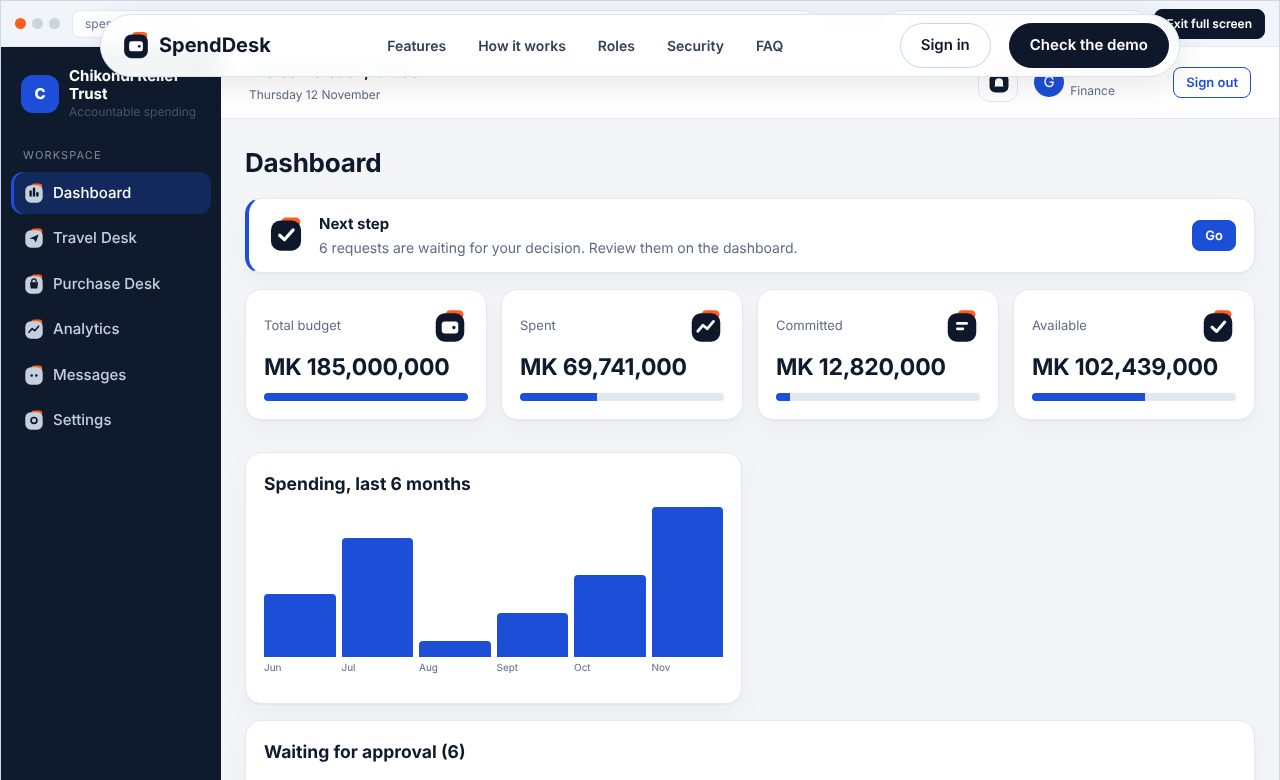
Dashboard with budget, approvals and next step guide 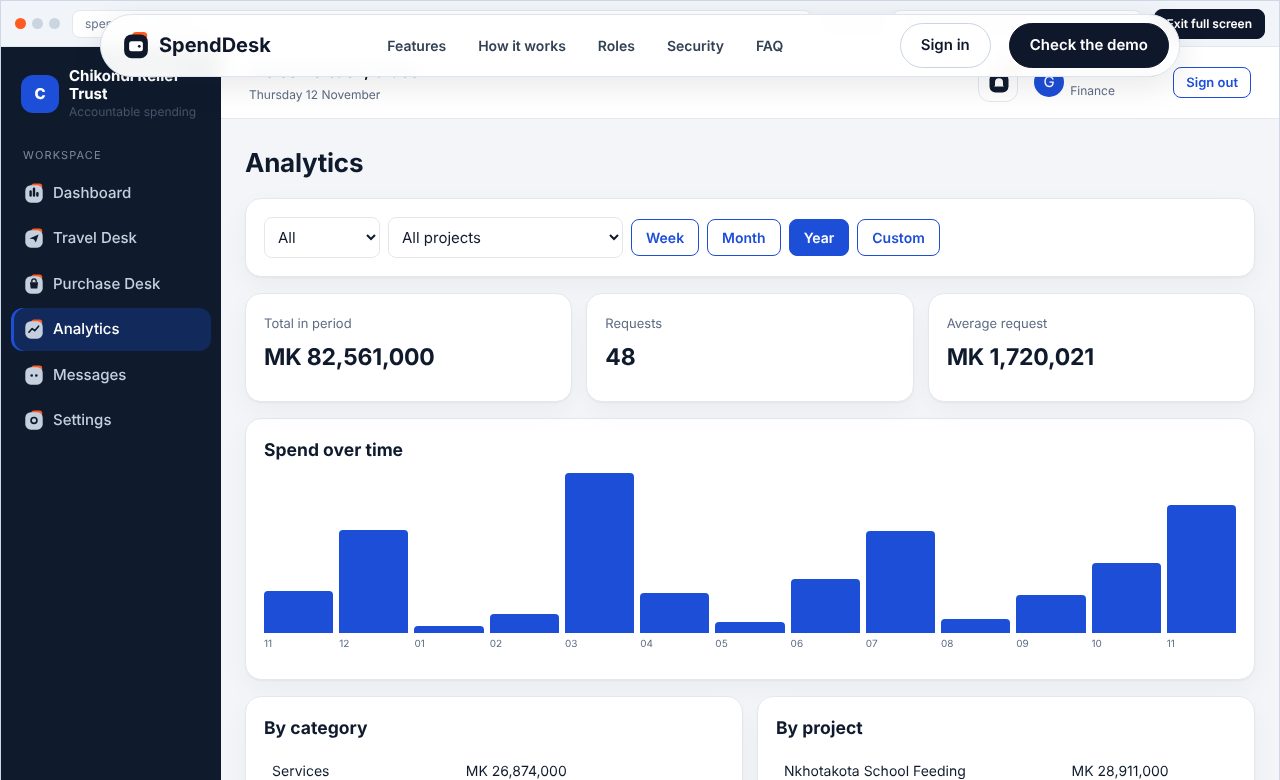
Analytics with filters and branded exports 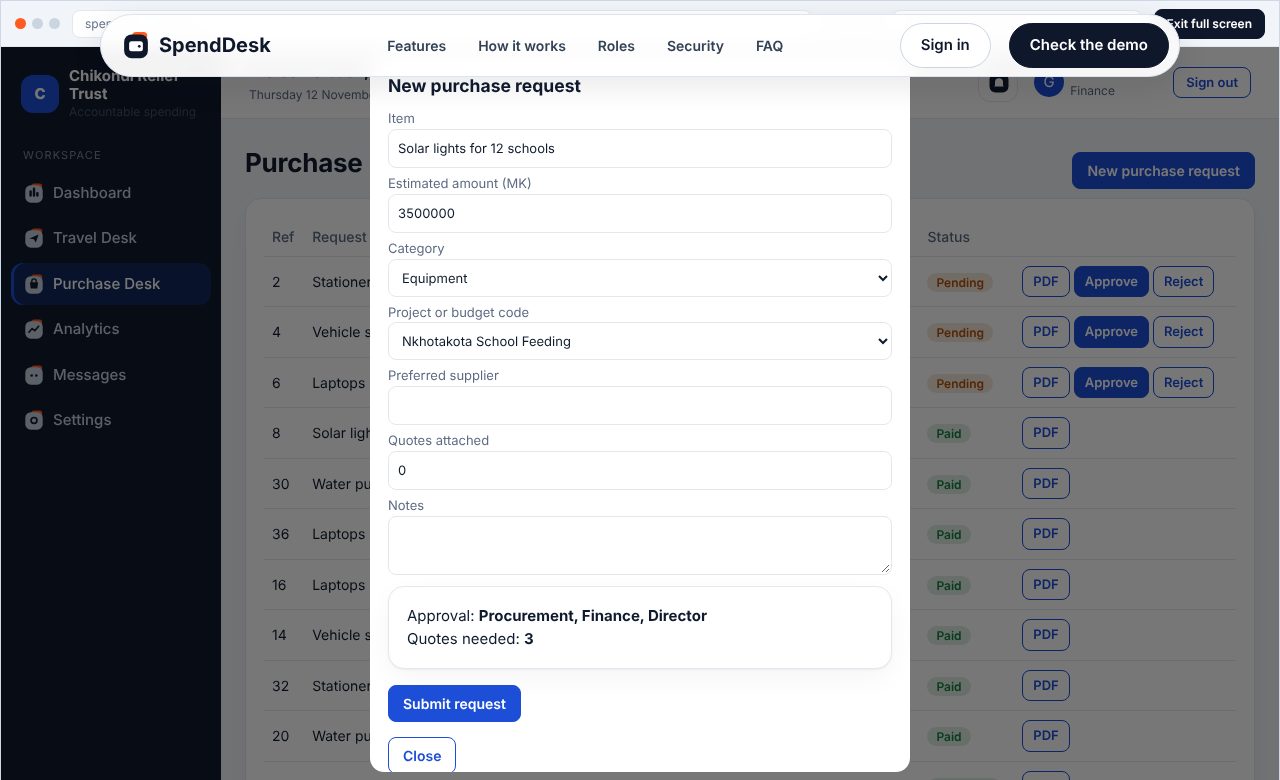
Purchase request with live approval route
See it before you try it
Real screens from the product. The live demo above runs exactly this.
SpendDesk brings travel, per diem and purchase approvals into one system, so finance sees what is committed, spent and still available at every step.
Real screens from the product. The live demo above runs exactly this.
Two desks that share one budget, with approvals, alerts and reports built in.
Grade, location and nights give the amount. Try it.
Value thresholds route each request and set the quotes needed.
Committed, spent and available across travel and purchases.
Filter by category, project and period. Download branded PDF and Excel files.
Approvers are notified instantly and chat shows who is active.
From request to report without printing a single form.
Staff raise a travel or purchase request against a project budget.
The right approvers are notified and decide. Nobody approves their own request.
Advances are retired, and finance exports reports for donors and auditors.
Pick a role and the demo opens as that person. Raise a request as Staff, then switch to Finance to approve it.
Controls that auditors and boards ask about, on from day one.
Every organisation is separated at database level with row level security.
Ten roles decide who can view, request and approve.
Every creation and decision is logged and cannot be edited.
Short answers before you open the demo.
No. SpendDesk runs in any modern browser on a computer or phone.
Yes. Your logo, name and colour appear on the app and on every PDF voucher and report.
No. The system blocks self approval, and auditors have view-only access.
Yes. Every request has a PDF voucher, and Analytics exports branded PDF and Excel files.
Pricing depends on organisation size. Talk to Digitalkuwala for a quote in MWK.
Open the demo, pick a role and run a request from start to finish.
Check the demo